- This topic has 4 replies, 2 voices, and was last updated 1 year, 3 months ago by
.
Viewing 5 posts - 1 through 5 (of 5 total)
Viewing 5 posts - 1 through 5 (of 5 total)
- You must be logged in to reply to this topic.
OpenSprinkler › Forums › OpenSprinkler Mobile and Web App › OpenSprinkler stuck in Static IP?
Ray.
Hi,
I had my opensprinkler running fine all season last year. I unplugged it for winter and just plugged it back thinking it should all be good.
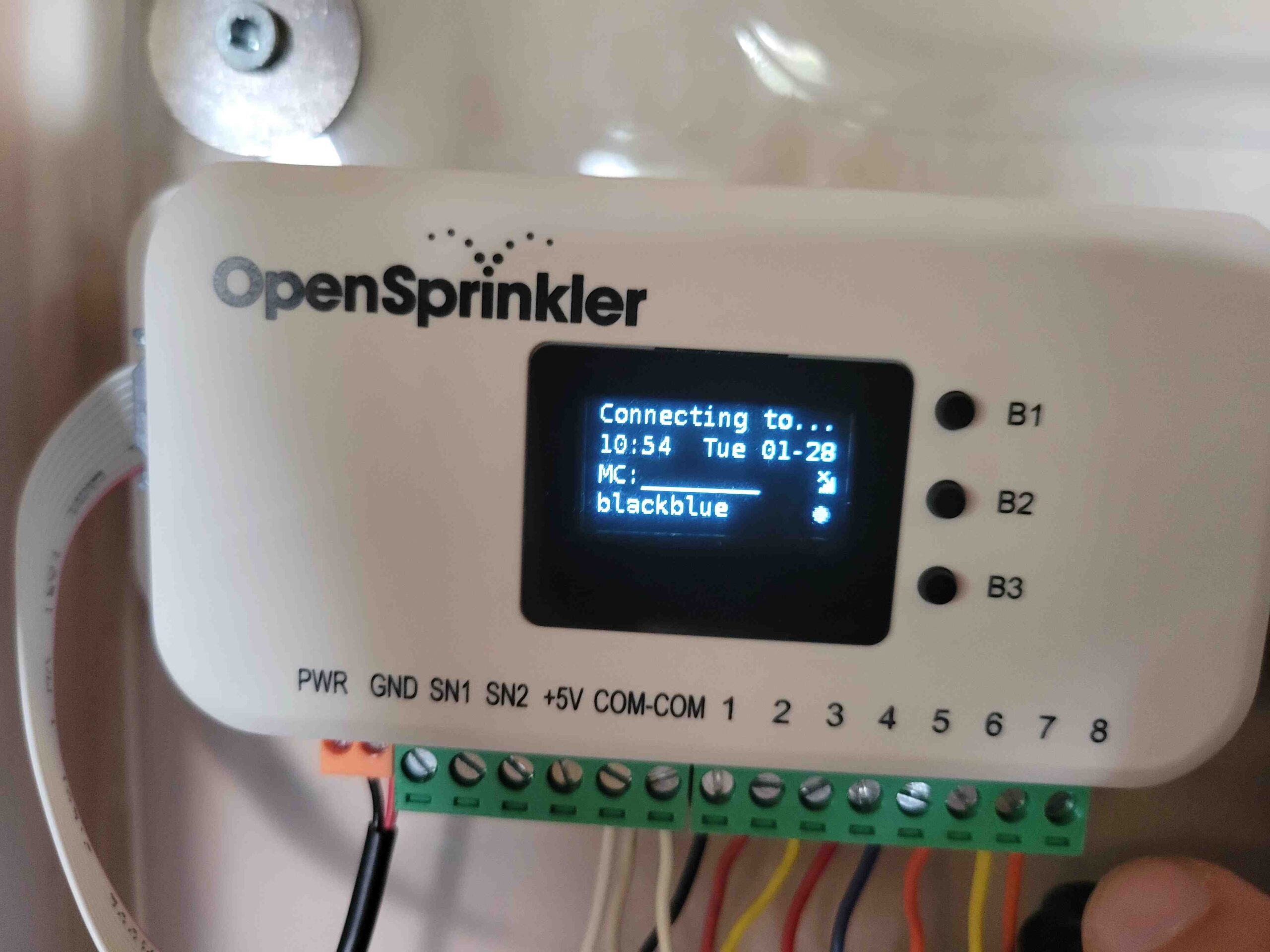
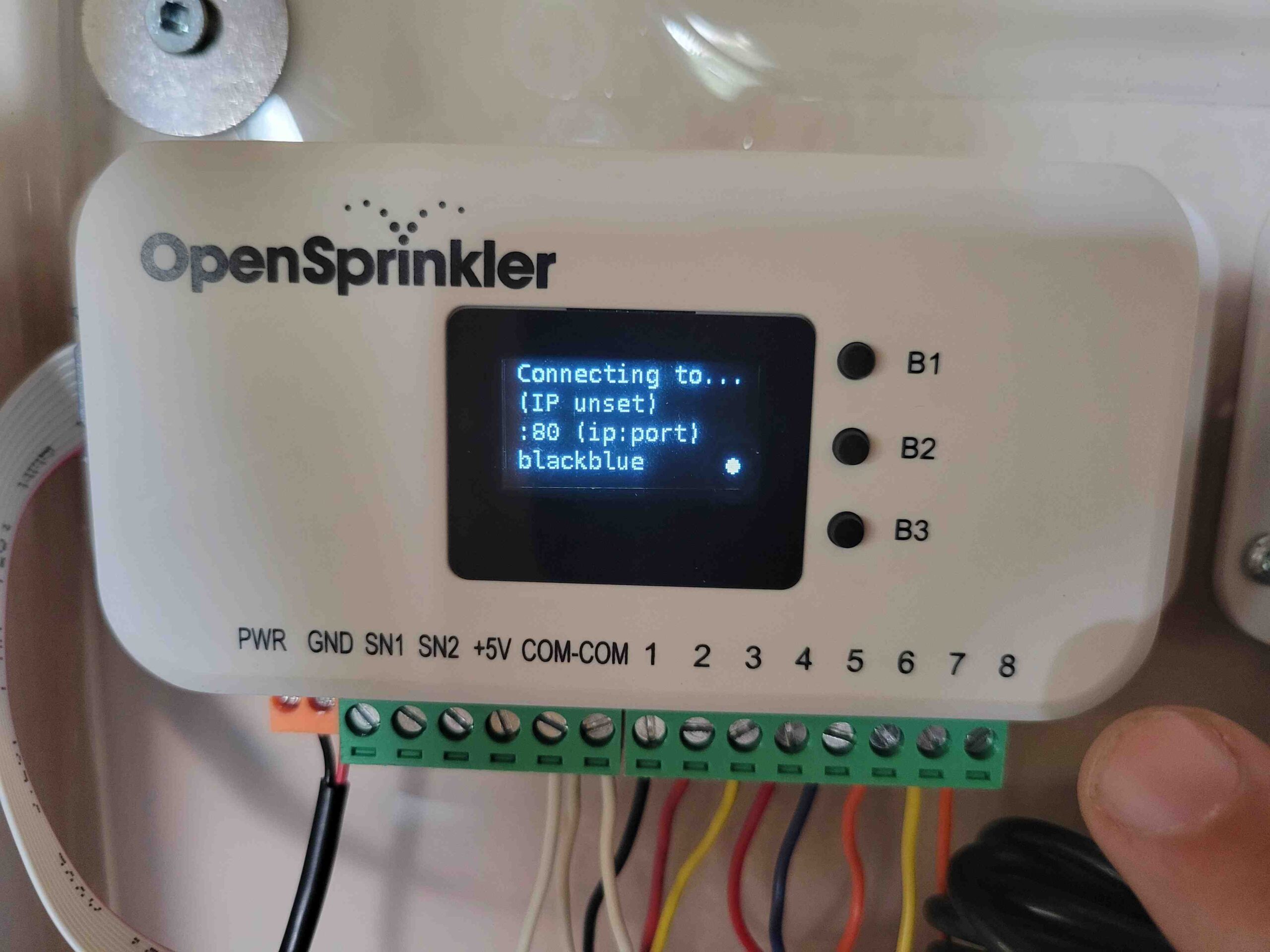
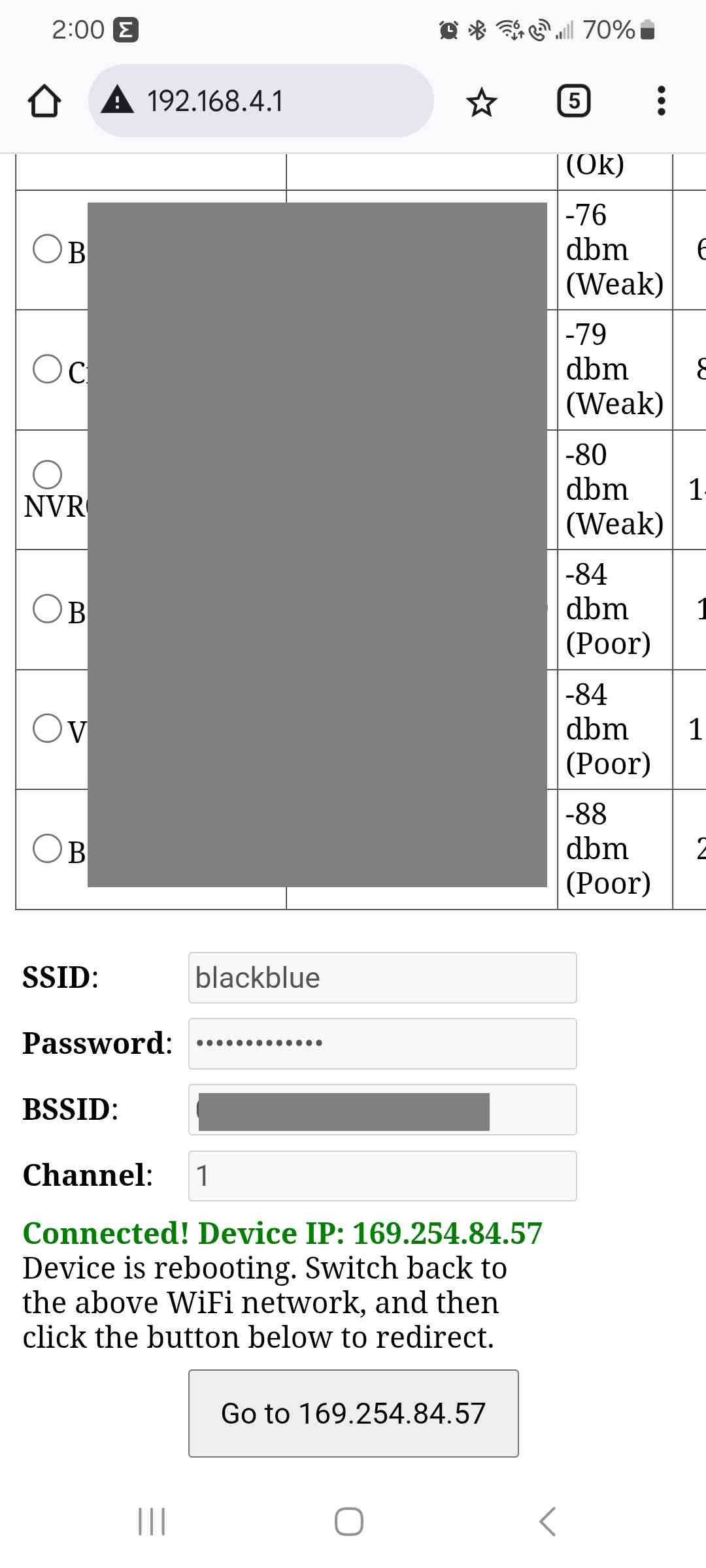
It seems like my router is seeing the device as having “Static IP”. Also after doing the AP Connect it takes a LOOONG time then when it finally says Connected! The IP device is 169.254.84.57 (it should be 192.168.2.XXX).
When I log in to my router, I see the device “connected” with a name of “Unknown Device – 115” and it shows IP Type: Static IP. It then shows a blank for the IP.
What am I doing wrong here?

The question is whether you’ve set it in static IP mode (i.e. DHCP mode disabled). It would be easier to check it if you submit a support ticket with a copy of your configurations. You can submit a support ticket at:
support.opensprinkler.com
Hi Ray,
Sorry for the delay. I had done a factory reset and it worked great. I finally got around to setting up the OTC token, and did a reboot and now I’m in the same loop.
No I did not set static IP mode.
I don’t know how to copy my configurations as I can’t connect to it. Are you able to guide me how to do that part please?
Thanks
It took forever, but eventually it connected. Here is my config
Edit: cant uplaod here i guess
We generally recommend you to submit a support ticket at
support.opensprinkler.com
Because your configuration may contain sensitive information like OTC token, it’s not good to publish them on the forum.
OpenSprinkler › Forums › OpenSprinkler Mobile and Web App › OpenSprinkler stuck in Static IP?