- This topic has 3 replies, 3 voices, and was last updated 3 years, 1 month ago by
.
Viewing 4 posts - 1 through 4 (of 4 total)
Viewing 4 posts - 1 through 4 (of 4 total)
- You must be logged in to reply to this topic.
OpenSprinkler › Forums › OpenSprinkler Unified Firmware › Specify weather server on v2.16 / 2.17 firmware?
dun4cheap.
How does one specify the weather server for firmware that will run on hardware 2.2-AC? It seems people have done this, but the API manual doesn’t list a command, and it’s not in the app or web UI. And does it work? I’ve searched and read dozens of posts…only more confused than when I started.
Failing that, where is this in the source code? Or is there a better workaround?
Thanks!

If you type in the following in a browser, does it show an input box to change weather server?
http://your_os_ip/su
where your_os_ip is your OpenSprinkler’s IP address.
Sorry, been traveling and didn’t get back to this. Yes it shows it set to weather.opensprinkler.com, the default. I entered my password (regular or hashed does the same thing) in the blank box below that, and it logged me in to the API when I hit “Submit Query”. However, I cannot “detect the baseline Eto” and a /jc shows the last successful weather query as 0. I’ll check if that changes.
Does it somehow need the password set to talk to the weather server? Should that replace the old Weather Underground password that shows in the /jc query?
Thank you!

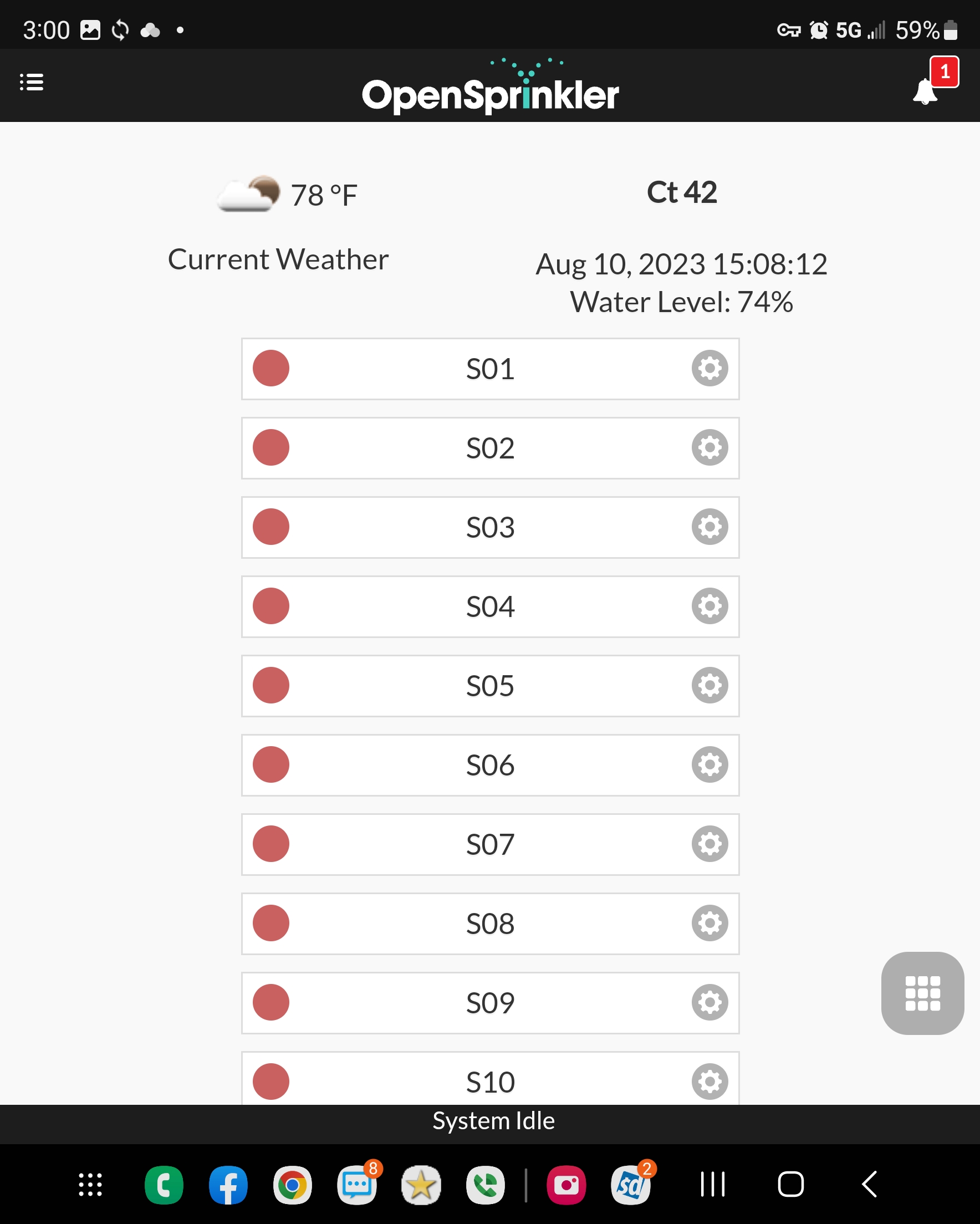
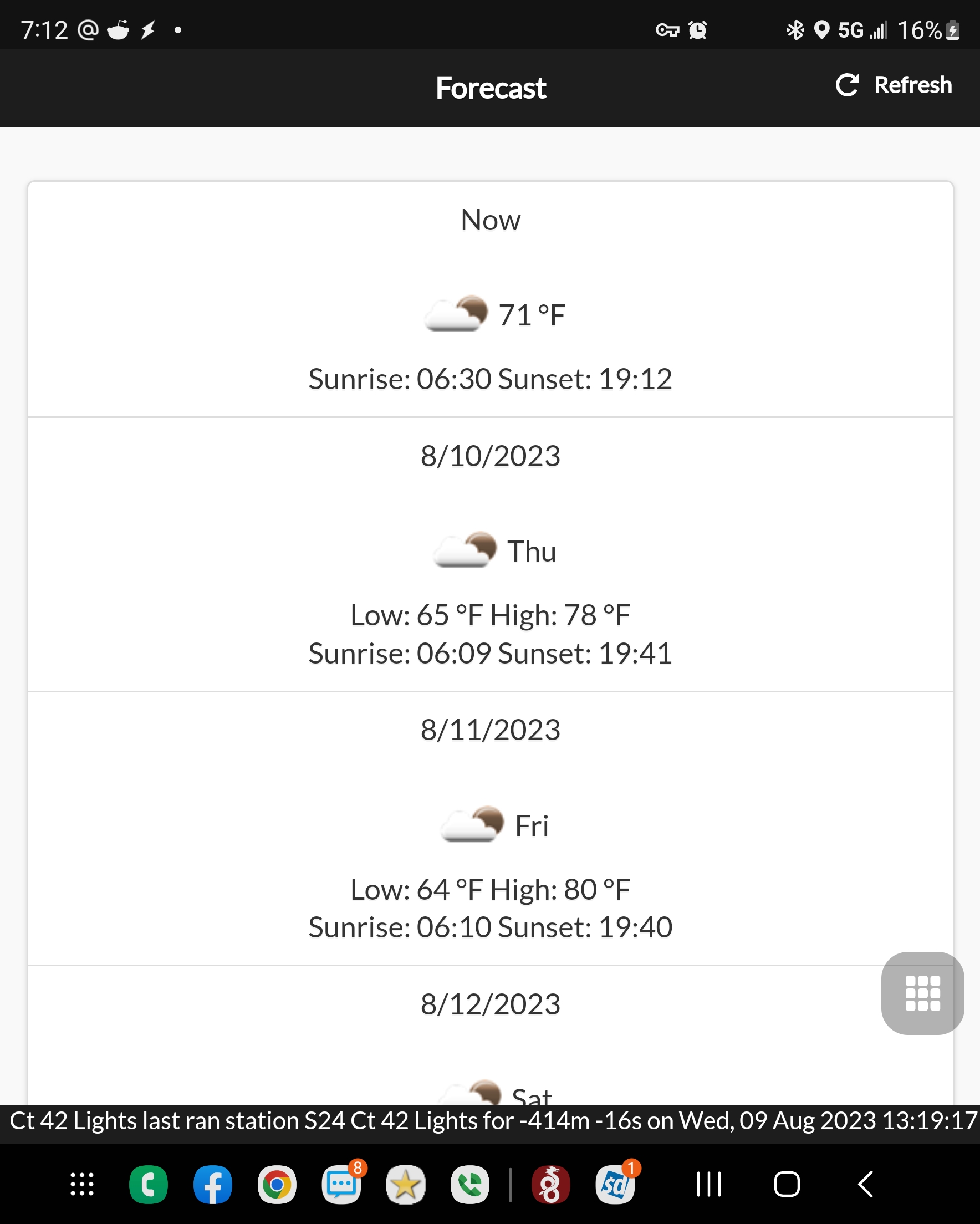
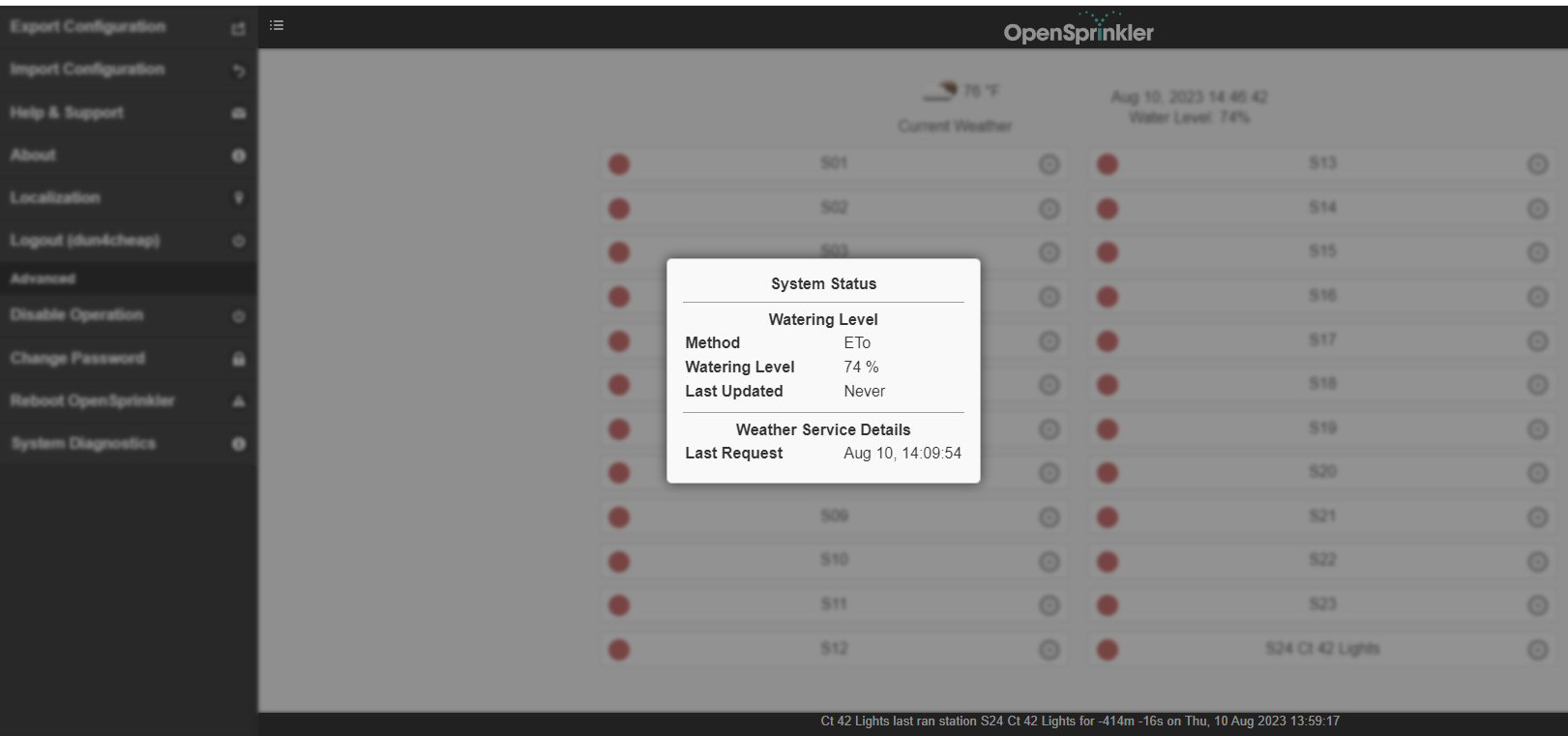
Ray, I need some info on this as well. My 2.2 and 2.1 controllers do not seem to be pulling the correct time, and the daylight and sunset times are off for the current day, but they show correct. My eto of these controllers seem stuck and 74% while my 2.3 and 3.0 controllers are showing correctly and running 2.19 and above firmware.
My lights are turning off and the wrong times and my irrigation is having issues with the wrong eto and watering percentages on my 2.2 controllers.
OpenSprinkler › Forums › OpenSprinkler Unified Firmware › Specify weather server on v2.16 / 2.17 firmware?